How to migrate to LaaS2
Below you can find every detail about why and how to migrate your services' logs to the new elasticsearch cluster. If you are still unsure about a step or need any further assistance after reading this document, do not hesitate to ask for help in #area-systec on slack.
Why we want you to migrate
- security requirement to use up to date software
- compliance requires us to have authentication on the cluster
- old cluster has many by design flaws, due to the older elasticsearch possibilities
What changes
Pros:
- newer version with tons of shiny new features
- quicker index rotation to fix mapping issues faster
- dedicated elastalert repo for your team
- one place to find your logs on the long run instead of many separate instances
(Temporary) Cons:
- manual index mapping (until self service tools are ready)
- no aliases for router logs (yet)
Requirements
You will have to gather these for the migration
- A list of your team's indices in LaaS (in case of gap-* services, the gap-{service} and gap-{service}-* indices count as one, the new one will be named gap-{service})
- Who need to access them, based on AD groups
- G_GSUITE_* AD group of your team, and team email for the elastalert repo setup
- You need to explicitly state that you need such a subrepository, otherwise it will not be created automatically (you can also create such ticket later)
- (Optional) we provide an option to use a "fallback" PagerDuty integration key and Slack webhook for all your alerts unless it's overwritten in the rules. If you want this provide any of these:
- PD integration key (token) if you want PD alerts
- Slack webhook if you need Slack alerting
- (Optional) In case you have any custom service directly communicating with the old elasticsearch cluster the name of the application to have an access for it, as the new cluster needs authentication for any kind of access
- Explicit field mapping for every index If you have no idea what this is. We expect a list of the fields for the mapping with the proper types of the fields. Again if you don't understand check this
- You do not need to list fields starting with _ @ (e.g @laas_environment or _type)
- We strongly discourage any use of @laas_ and _ fields, but you can use @docker. and @gap. fields until ECS is used everywhere
- Please do not just copy-paste mapping from LaaS 1 (old) Kibana, consider reducing the number of indexed fields (non-indexed fields can still be logged and read in Kibana!)
- Preferred or required retention of the logs by index
- Dedicated team member who we can reach out to so we can speed up the process
Steps of the migration
- (new) Use the LaaS Configurator in the Tooling Portal
- Prerequisite: the service has to be configured for LaaS1 previously
- What it does
- Creates the necessary Elasticsearch and Kibana configuration elements for the service in LaaS2 (index template, component template, index pattern, kibana role)
- Assigns permission for the user's G_GSUITE group to the service's index
- How to use it
- Open the LaaS Configurator
- A list of services will be displayed based on your G_GSUITE group memberships
- If your service is not listed, follow these steps
- Please select the appropriate group (if your user is member of multiple G_GSUITE groups)
- Press the
Create/Updatebutton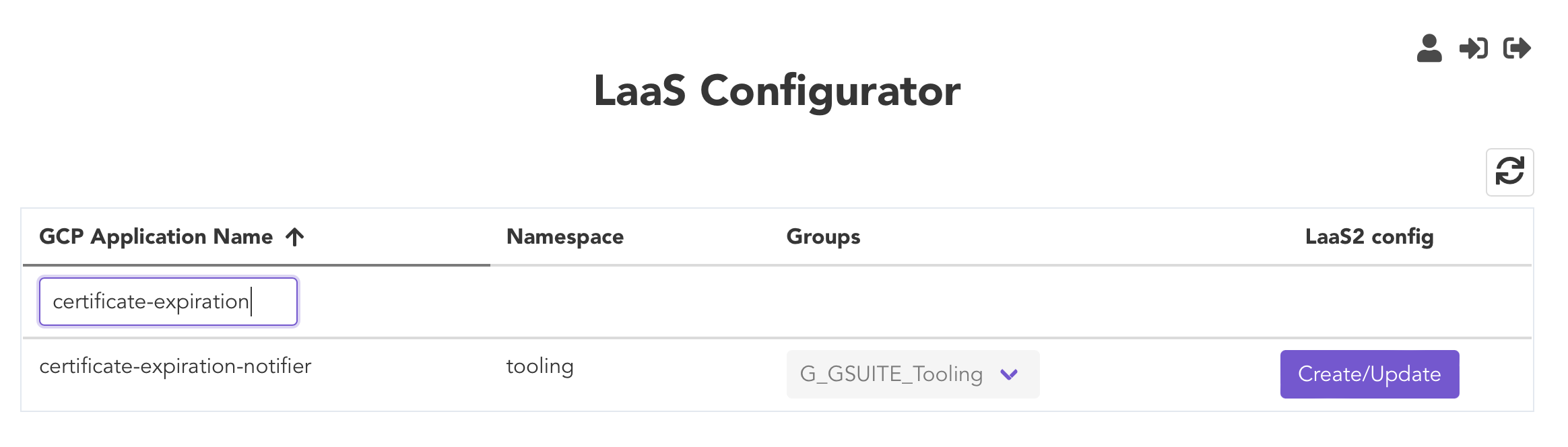
- If the configuration is complete, the button will be labeled as
Configuredand will be disabled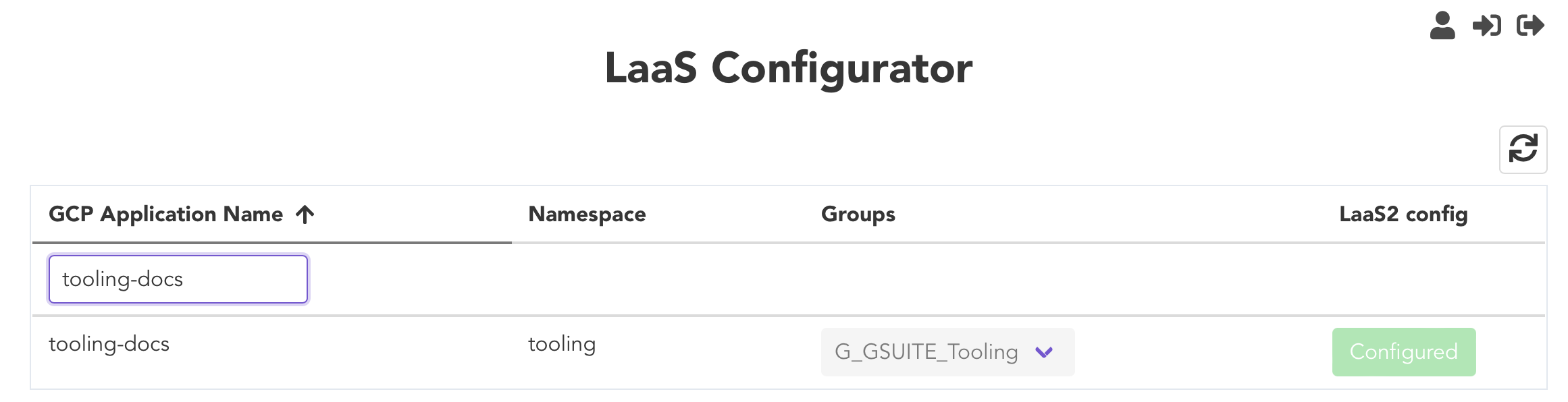
- Open a Change Request for Systec at the SYSTEC project in jira with the Requirements.
- Based on the request Systec prepares for you the following:
- Elastalert repo for your team, if one does not exists already
- Pipeline config changes to route logs to both instances
- After the logs are arriving to both instances, you should recreate every dashboards and saved searches as unfortunately those are not transferrable
- Migrate your elastalerts to the new repo based on this guide
- When you have all your dashboards, searches, elastalerts, services working in the new cluster, create a new Change Request, and let us know which old indices can be decommissioned from LAAS1 (when it's not possible due to shared indices we will shut them down when everyone migrated).
If your service is not listed
-
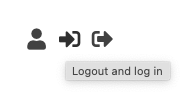
If your user is newly added to the G_GSUITE group, then a re-login in the Tooling Portal is required (at the upper right corner). If the service is still not visible, proceed with step 2
-
Create a Change Request with the following information provided:
- G_GSUITE group name
- GAP namespace
- Service name(s) that should be visible
- Systec Tooling will create a namespace override in the Tooling Portal
Useful links
- The old kibana UI for LaaS
- The new kibana UI for LaaS2
- New elastalert repo logs until we finish the
- Basic elasticsearch concepts (from logz.io)
- Elasticsearch documentation useful pages:
- elastalert documentation
- LaaS Configurator